The Complete Life Planner Spreadsheet
One simple Google Sheets system to organize your budget, tasks, habits, meals and daily life in one place.
One‑time payment, lifetime access. You’ll receive a link to make your own private copy.
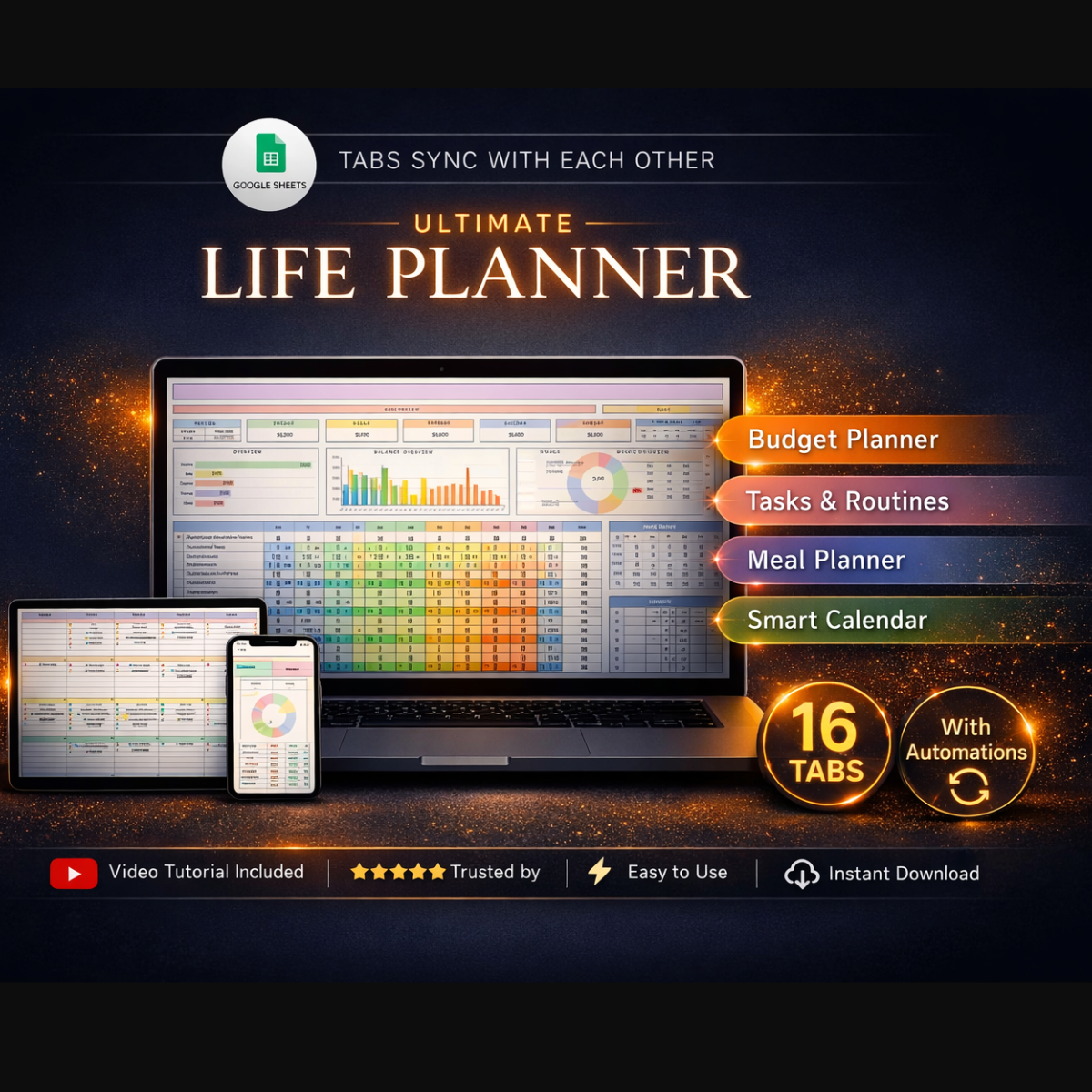
Life Planner · Google Sheets
Dashboards for goals, budget, tasks, habits & meals
$19 $12 · one-time
Use it forever. Reset it for each new month or quarter in seconds.
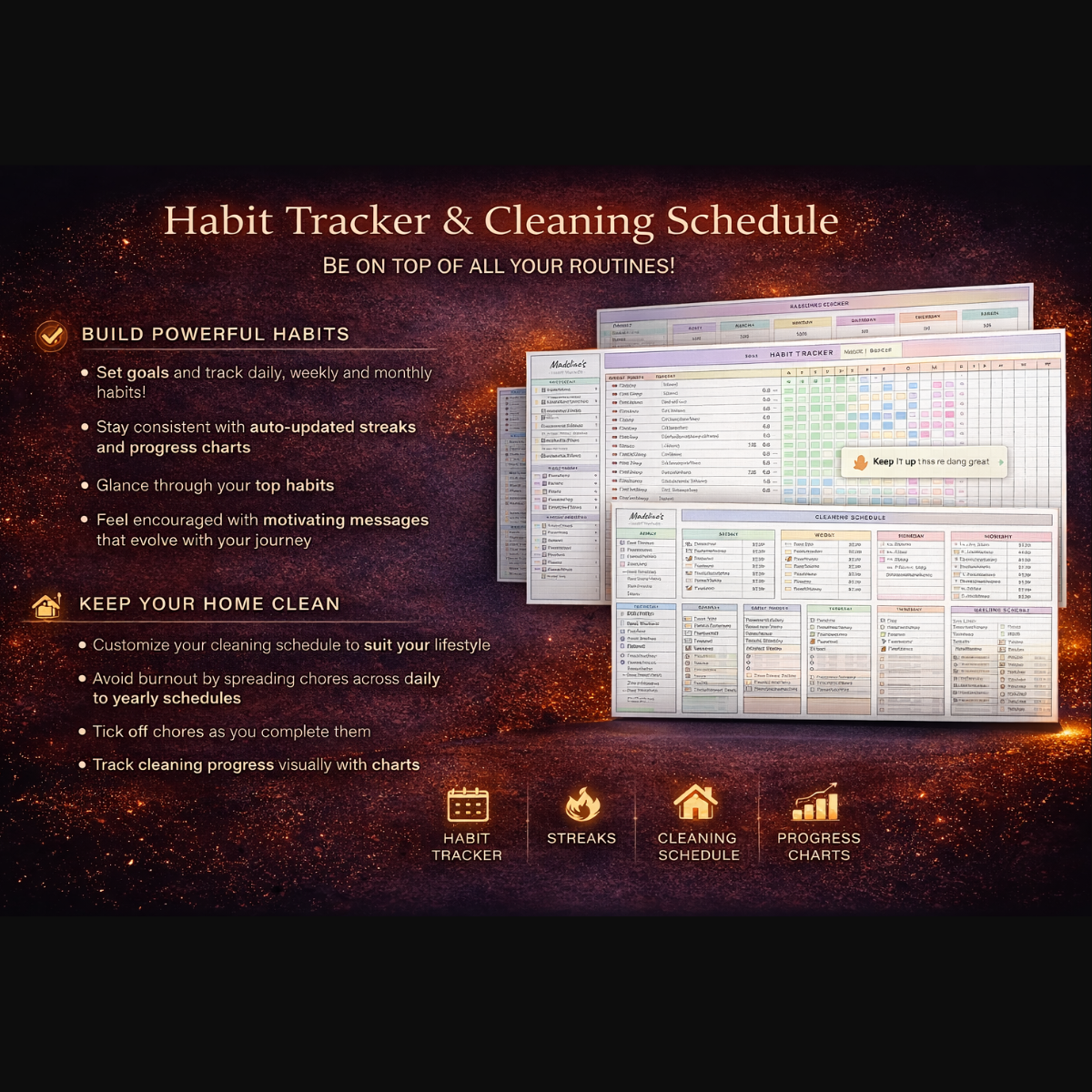
Previews from inside the spreadsheet
A closer look at some of the dashboards, trackers and planning views included.
One spreadsheet, three simple steps
Open the sheet, follow the prompts, and let the dashboard show you where your time, money and goals are going.
Step 1
Make your private copy
After payment you’ll receive a Google Sheets link that opens in “Make a copy” mode. One click and the planner is saved to your own Google Drive.
Step 2
Set up your life & 90‑day focus
Use the Goals, Budget and Setup tabs to define your priorities, categories and routines. The main dashboard pulls everything together automatically.
Step 3
Update it daily in under 10 minutes
Log your tasks, habits and spending quickly each day. The overview updates in real time so you always know where you stand.
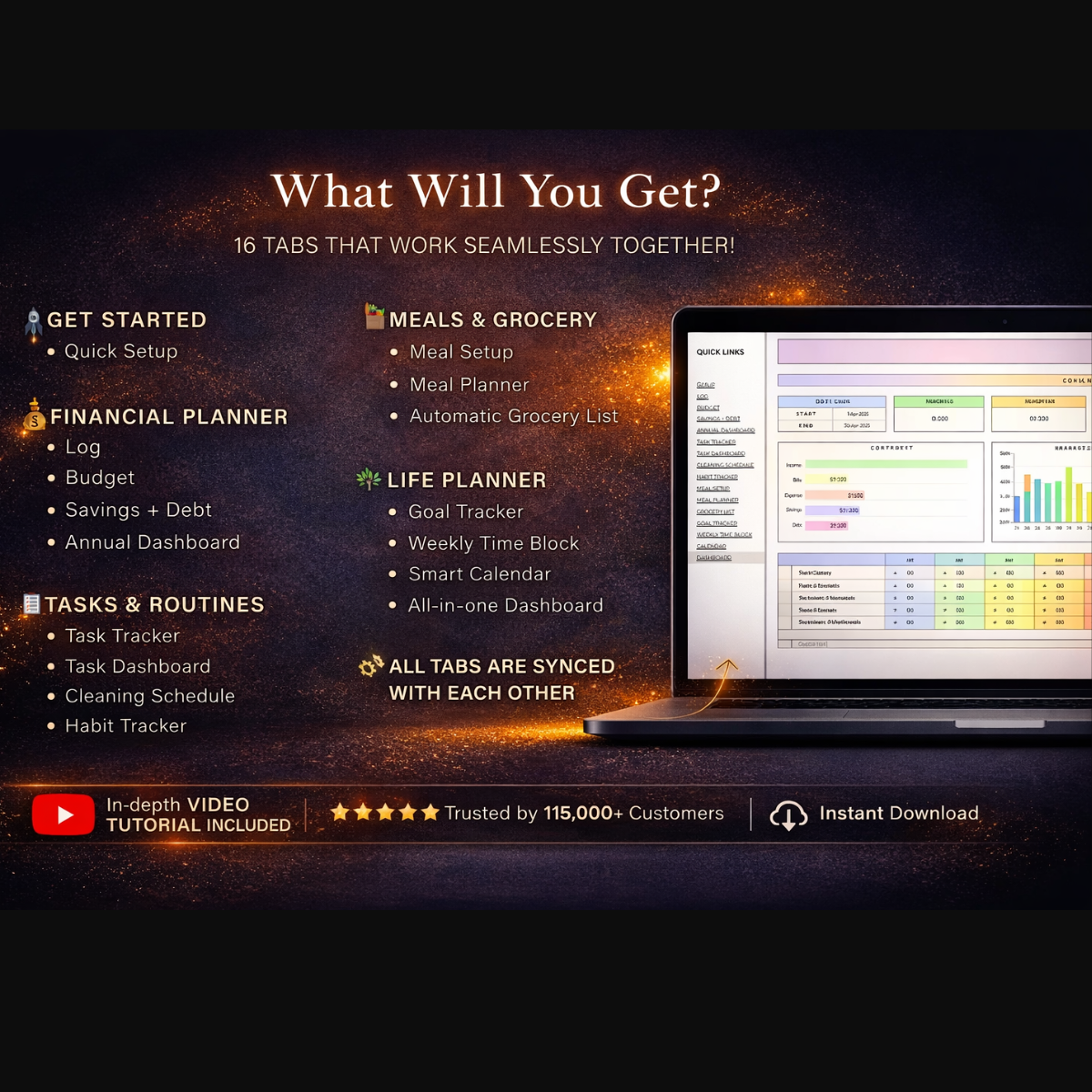
Everything is organized into clear tabs
All important areas of your life are separated into simple, easy‑to‑use sheets that work together.
Big picture
Dashboard & Life Overview
See your goals, tasks, habits and finances at a glance. Color‑coded indicators show where you’re on track and where you’re falling behind.
Goals
Yearly & 90‑Day Goals
Plan your year, then narrow down to 90‑day goals with clear action steps. The most important items flow into your dashboard.
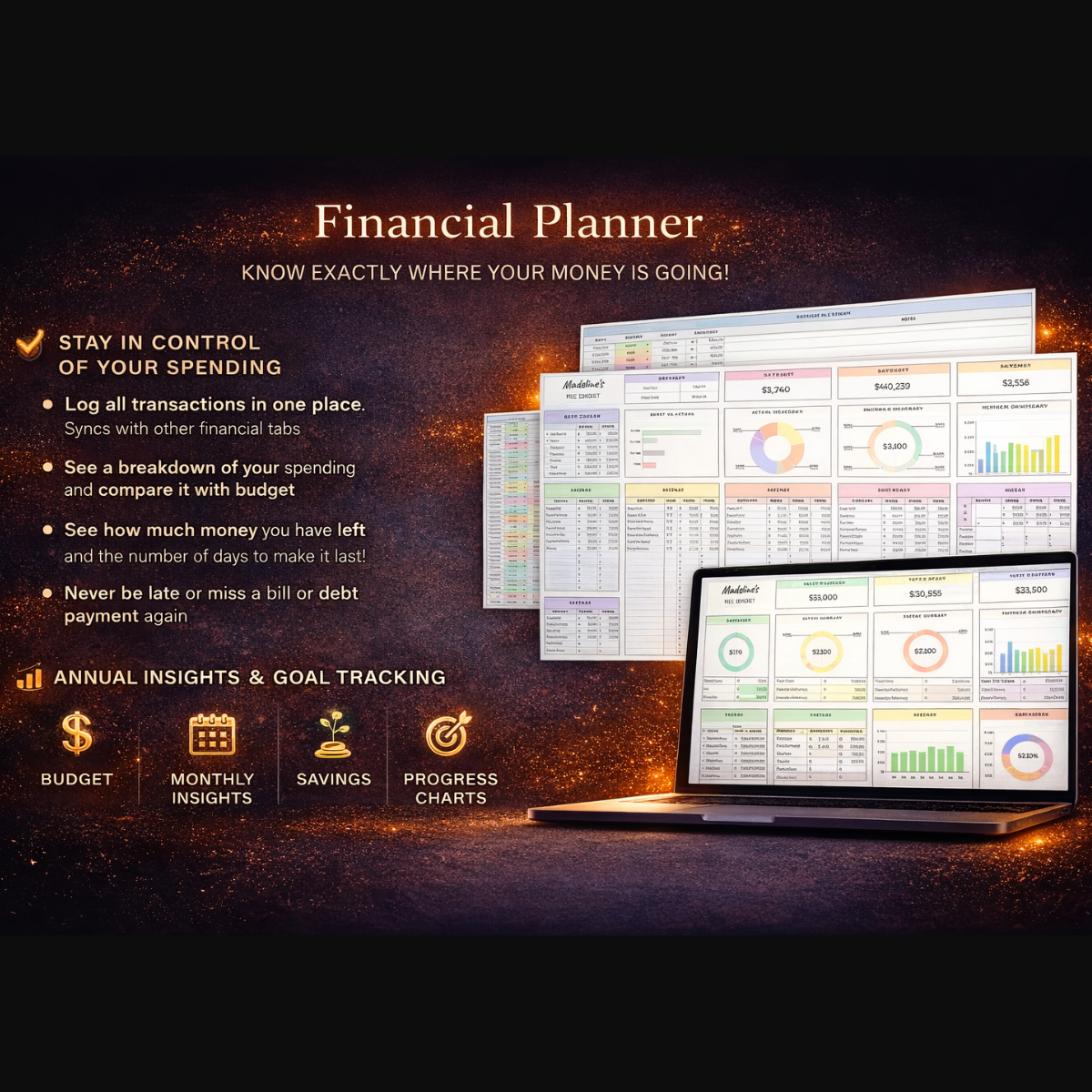
Money
Budget & Expense Tracker
Track income, bills, subscriptions and categories of spending. Monthly summaries help you see exactly where your money goes.
Habits
Habit & Routine Tracker
Log daily habits with simple checkboxes. Automatic completion percentages show your consistency over the month.
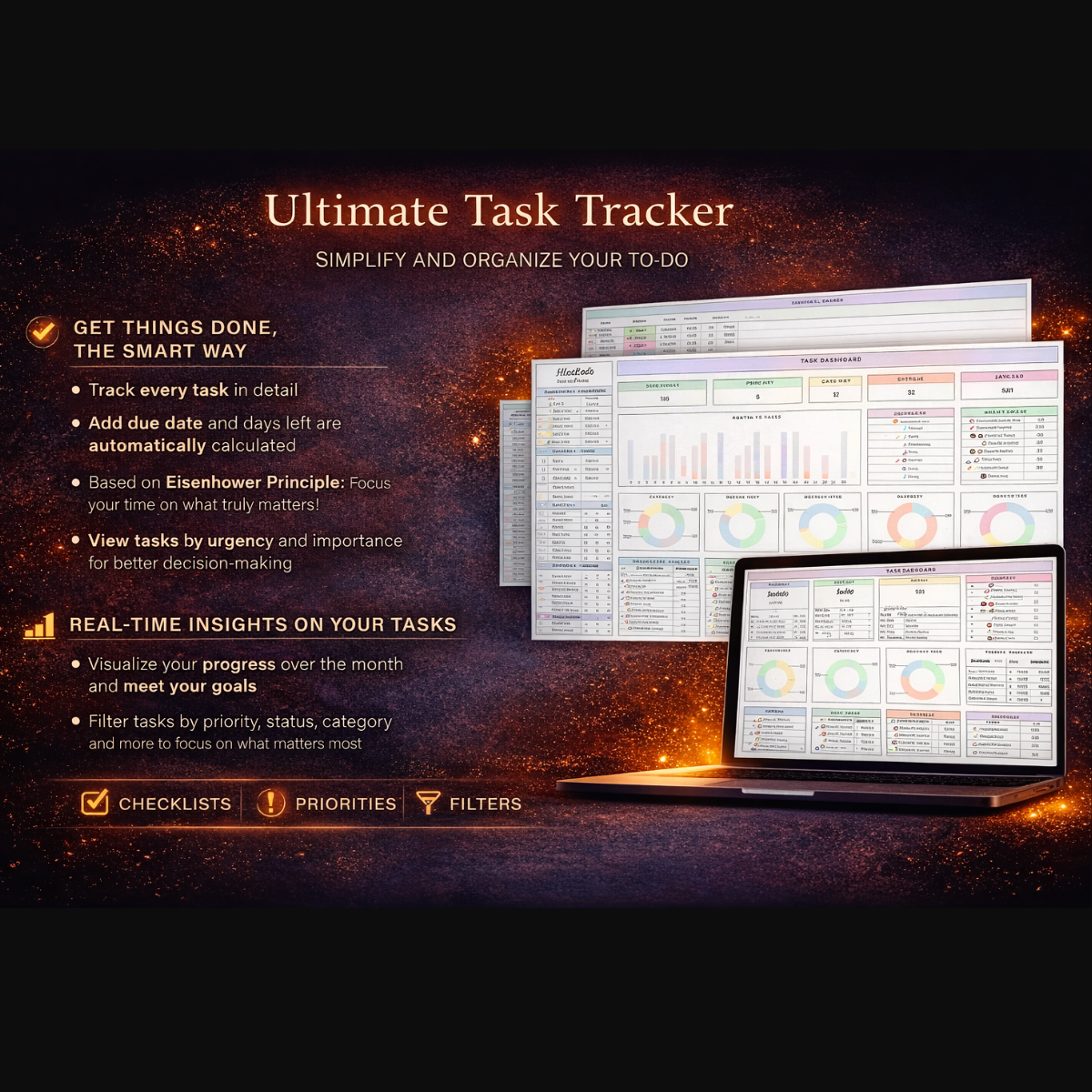
Execution
Tasks & Daily Planner
A clean task list for today, this week and later. No clutter, just what you need to move your life and work forward.
Energy
Meal & Self‑Care Planner
Plan weekly meals, groceries and self‑care activities so you don’t sacrifice your health while chasing your goals.
I built this sheet because I was tired of jumping between 5 different apps: one for tasks, one for budget, one for habits, and so on. Now everything lives in one simple place that opens instantly on my laptop and phone.
Designed for people who love simple spreadsheets, not complicated software.
All‑in‑one
Life, money, habits and meals – inside one Google Sheet.
Cloud‑based
Works anywhere you have Google Sheets – desktop, tablet, or phone.
No coding
All formulas are pre‑built. You only type into the highlighted cells.
Reusable
Duplicate the file and reset it for every new year or quarter.
Get instant access to the Google Sheets template
Stop fighting your tools. Let one clean spreadsheet run the important parts of your life.
The Complete Life Planner Spreadsheet (Google Sheets)
Google Sheets template · You’ll receive a private copy link
$19 $12 USD · one-time
- ✓ All‑in‑one Google Sheets planner for goals, budget, tasks, habits and meals.
- ✓ Dashboard view that updates automatically as you fill in your data.
- ✓ One‑click “Make a copy” link – your data stays 100% private in your own Drive.
- ✓ Lifetime access to this version of the template. Reuse it year after year.
Frequently asked questions
Do I need a paid Google account?
No. A free Google account is enough. You’ll open the link, click “Make a copy”, and the planner will be saved in your own Google Drive.
Is this a PDF?
No. This is a Google Sheets template only. If you prefer, you can export specific tabs as PDF from inside Google Sheets.
Can I edit formulas and design?
Yes. Once you make your own copy, you have full control. You can change colors, texts or even add extra tabs if you want.
How will I receive the template?
Right after your PayPal payment, you’ll be redirected (or emailed) a link that opens the template in “Make a copy” mode. Click the button and it’s yours.